Linking Knowledge to Support Tickets
Linking knowledge and other content to support tickets
Are you linking content to a support ticket?
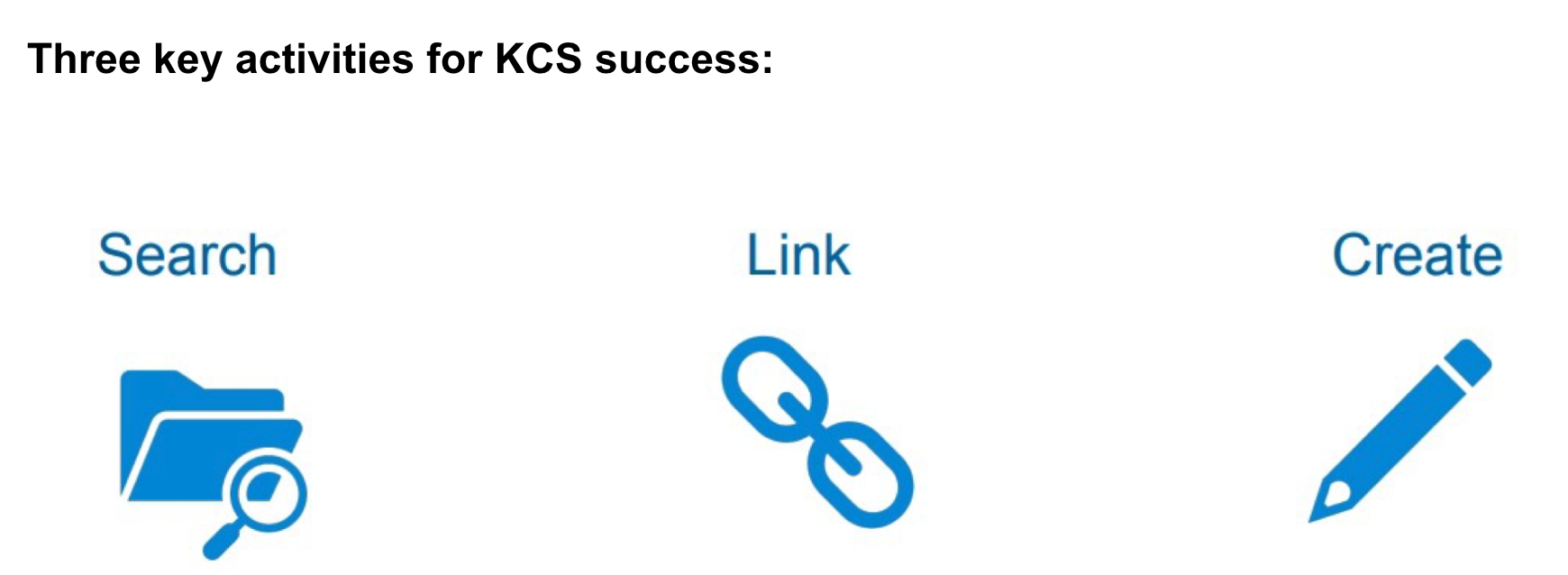
Start with SEARCHING for knowledge!
In Zendesk, within a ticket click on the Knowledge Icon in the Right panel, and then use the Search (magnifying glass) to search for a resolution to that ticket. You can SEARCH for documentation and/or knowledge articles within that search functionality!
When you find knowledge (Documentation or article) you can and shold then LINK taht knowledge to the support ticket. Linking knowledge to a support ticket creates a critical feedback loop for us. It provides valuable insights into opportunities, as well as measurements.
Linking knowledge helps us identify:
- Where we have product gaps
- Where knowledge is strong
- Where knowledge is missing
- Where demand is changing
- Where the same problems keep recurring
How can YOU help?
We have the capability to link knowledge throughout the lifecycle of the ticket (not just at resolution), however we should make sure we link before resolving the ticket completely. Note: Not EVERY ticket will require a link. Do not link just for the sake of linking. Link knowledge when it adds value, not just to check a box. It should be helpful!
How do I link
- Use the Knowledge Capture app (on the right side when you are in a support ticket).
- Use Search to search for an article or a document.
- You can view the article in the ticket view or you can view it on the page view.
- Use the link icon to link the article or document to the support ticket.
When to link:
- When an article, document or issue is used to solve the problem.
- It benefits the customer.
- It helped in your research for the support ticket.
- It provides knowledge for you and the customer.
When NOT to link:
- The article doesn’t cover anything related to the support ticket.
- The article wasn’t used to help resolve the ticket.
Link content when there is real value in the connection. The goal is to build intelligence around support tickets - e.g. what documentation helps, where gaps exist, what could have been deflected.
121fbab4)
